

Invoice the whole group. Stay in control of every invoice.
Different clients, services and currencies. One run. Select your clients or repeat a saved group, adjust each invoice, and review the whole batch before you issue.
Need just one invoice? Even easier.
Choose a client, add the work, check the preview and issue. Your invoice is ready in PDF and HTML.
Create an invoiceSee how a group becomes invoices.
One workflow, shown screen by screen.
Change products, line items and currencies while the group stays together.
Demo data · Screens show a sample group and real interface from MostlySame.
Review before you issue. PDF and HTML after issue.
One invoice or a whole group · Ready-to-download PDF and HTML · Changes visible before issue
One invoice. Two. Three. Done.
From a client’s request to a polished invoice, without the layout work. Your client details, service and ready-made template come together in a live preview. Review, issue and download PDF or HTML.
Need a few? Select two, three or more clients, adjust the details and issue their invoices together. No previous run needed.
Easy for a one-off. Ready for a few more.
Same client group. A new month’s terms.
Care plans, design retainers, consulting: a whole group of clients needs invoices again. One has more work this month. Another changed plans. A third is taking a break.
Open a saved run and prepare the next one. Add or remove clients, change services, line items, quantities and prices. Each issued batch stays in your history, ready to use again.
Repeat the group. Keep each client’s terms.
No previous batch? Start with the checkboxes.
Billing several clients for a project, a month or a one-off service? Select the clients and start a new run. You do not need a previous batch to build on.
MostlySame prepares a separate invoice for each client. One composer, one group review, one batch issue. A shared task no longer needs a separate invoicing session for every client.
One composer for the group. Room for every exception.
A new rate for one client. A different product for another. Extra work and a EUR invoice for a third.
Edit the individual document inside the group: line items, amounts, currency, dates, notes or template. The other invoices stay alongside it, with their own settings and totals.
Preparing invoices together does not make them identical.
See the whole picture before you issue.
MostlySame brings the group’s numbers together: invoice count, totals by currency and a combined equivalent.
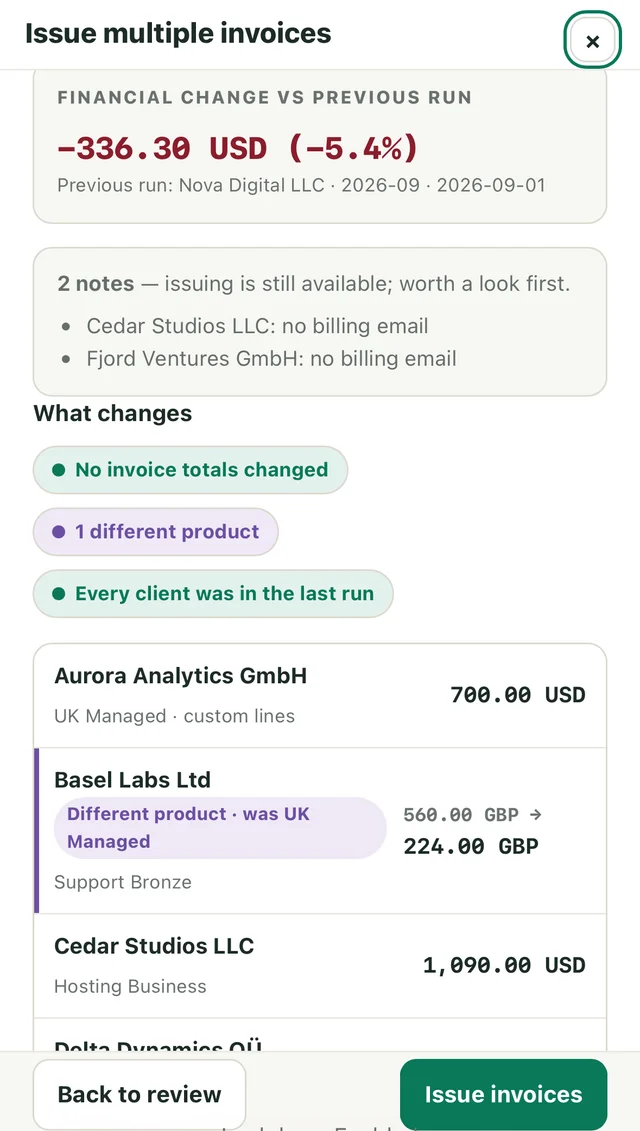
When you repeat a saved run, Preview compares the new invoices with the run you chose to repeat: previous and new amounts with their currencies, changed products, and clients added to the group. Clients excluded from this issue stay visible too.
Warnings draw attention to details worth checking, such as a missing billing email. Go back to a specific change, or issue the prepared group.
An invoice doesn’t have to wait for your desk.
Issue an invoice on the move. Adjust the details, review a group or check what’s been paid, right from your phone.
Try MostlySame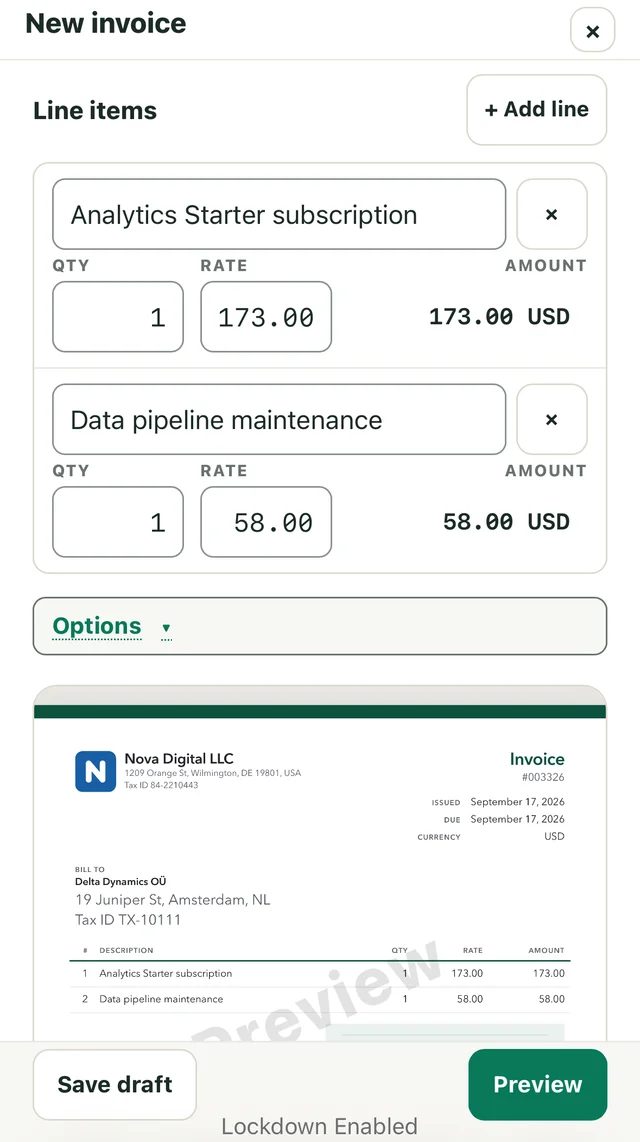

Billed is one thing. Paid is another.
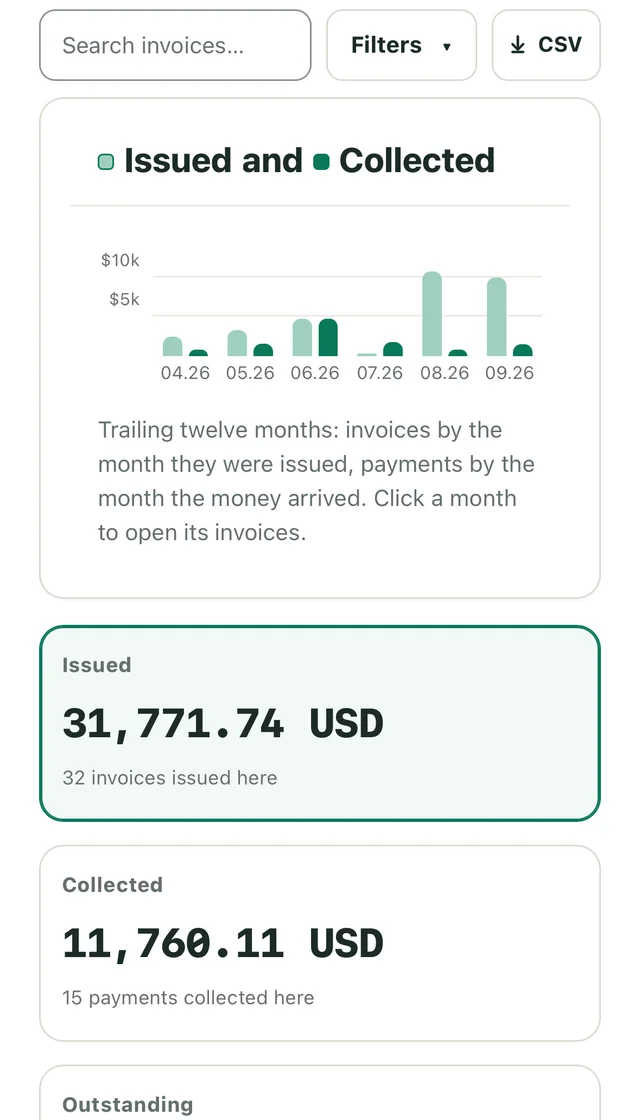
See issued invoices and recorded payments side by side on a monthly chart. What remains unpaid, what is overdue, and how the picture changes over time—all connected to your invoice records.
Break the results down by client, service, run or organization. Move from a total to the invoices behind it, and take the report into CSV when you need it.
For now, you record payments. Bank, payment-service and statement CSV connections for matching payment statuses are coming soon.
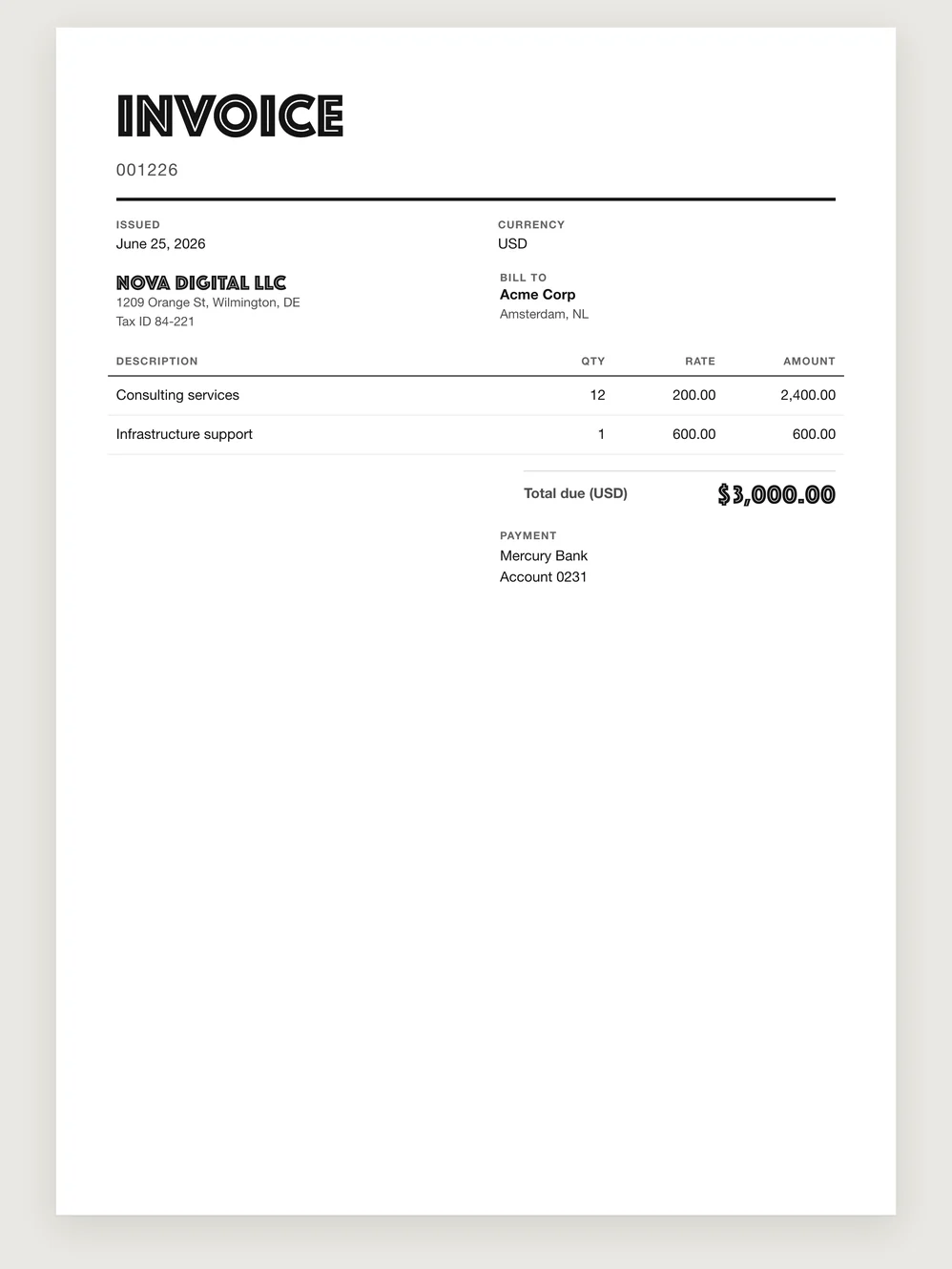
A finished design. Without the layout work.
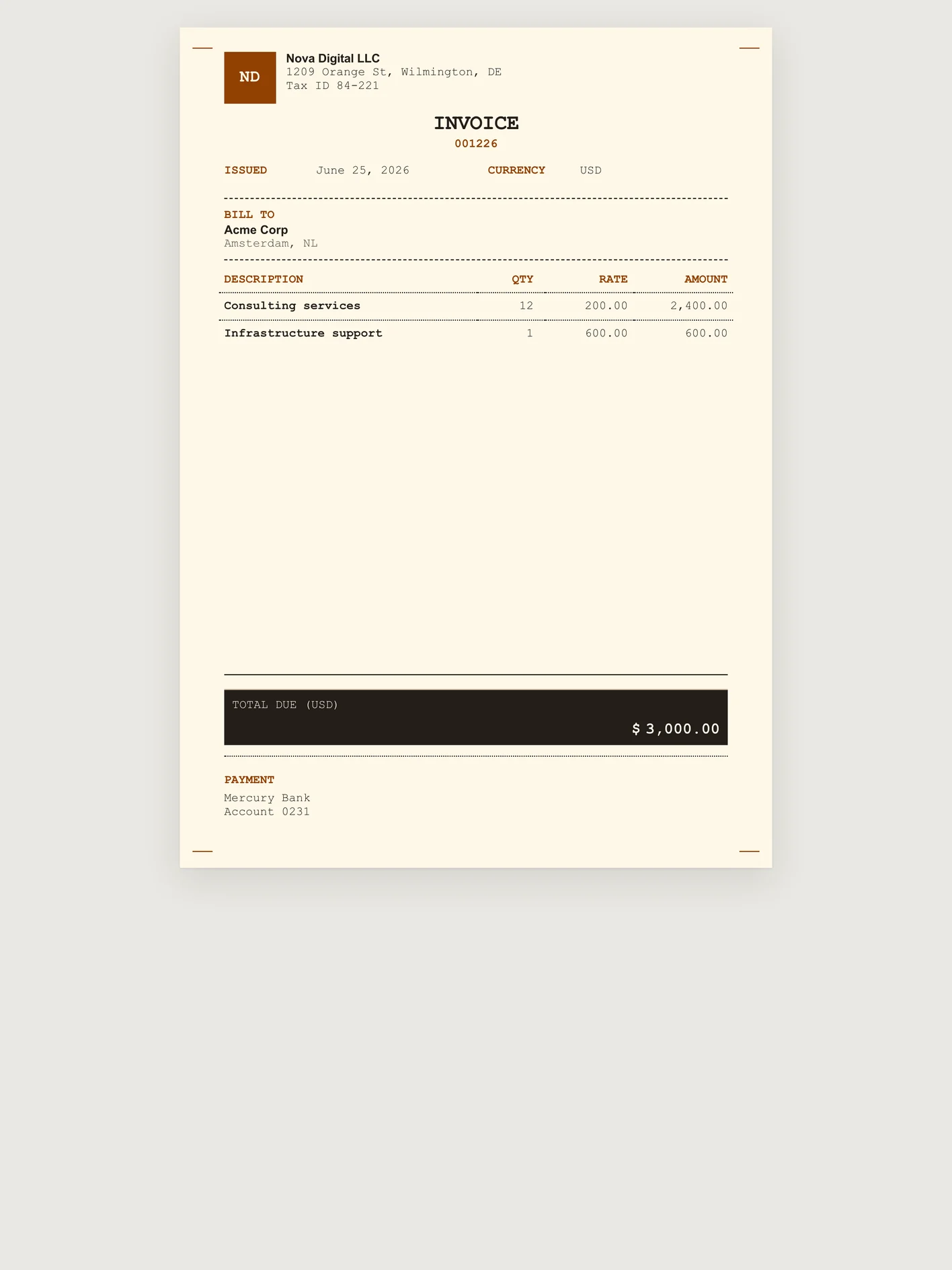
A restrained invoice for consulting. A more expressive one for a studio. A compact format for a short service.
Pixel receipt 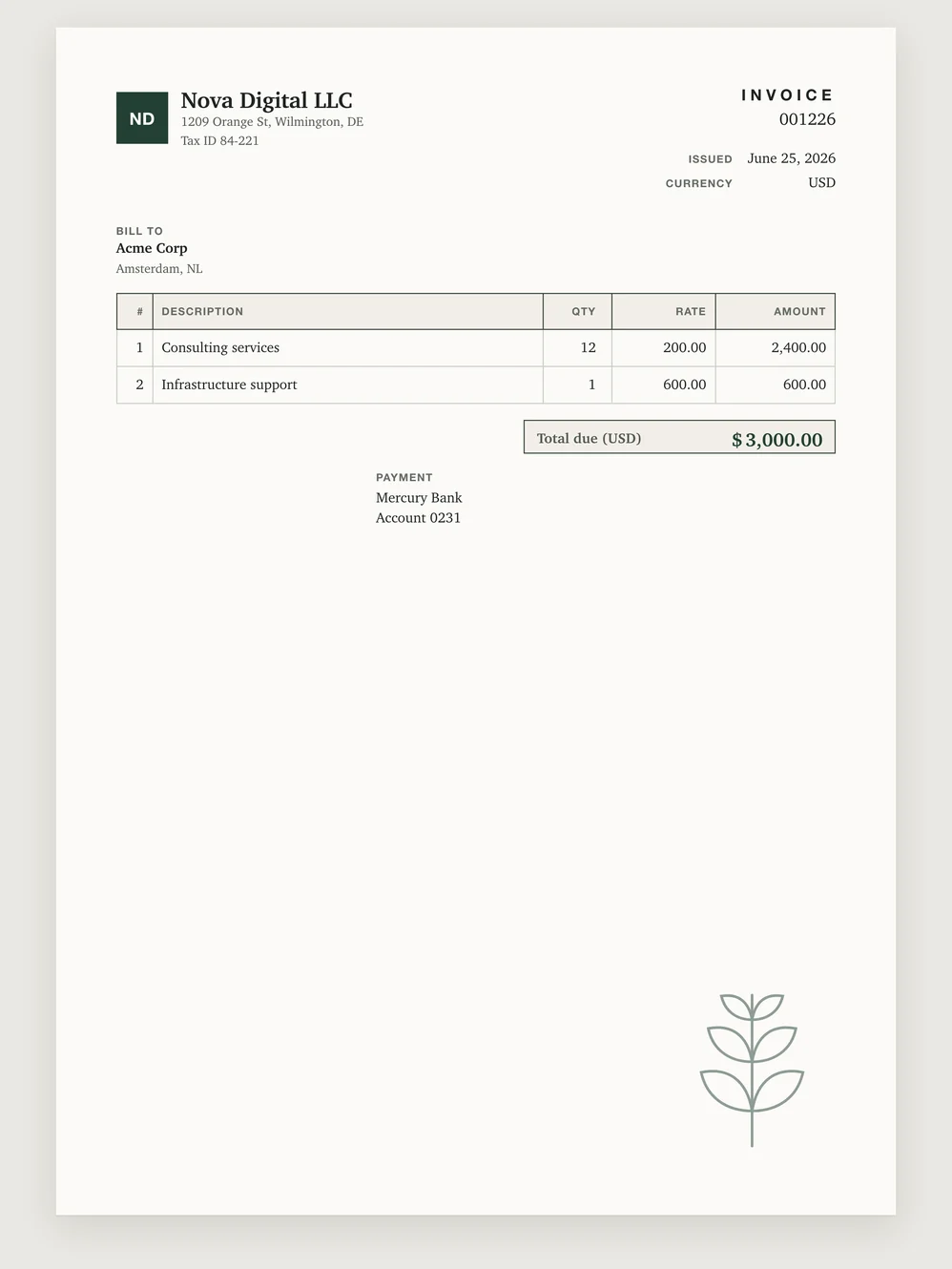
Illustrated 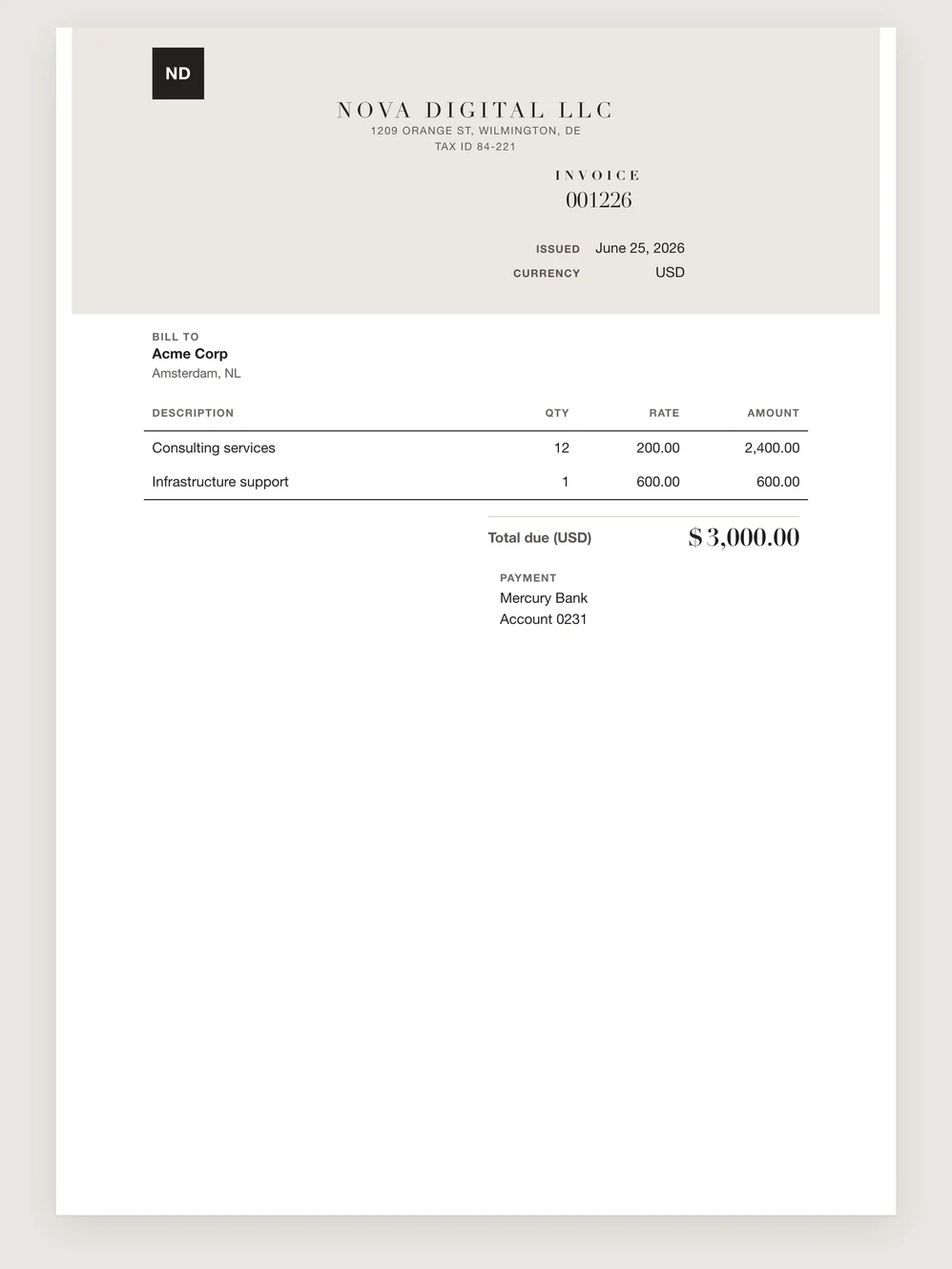
Monogram 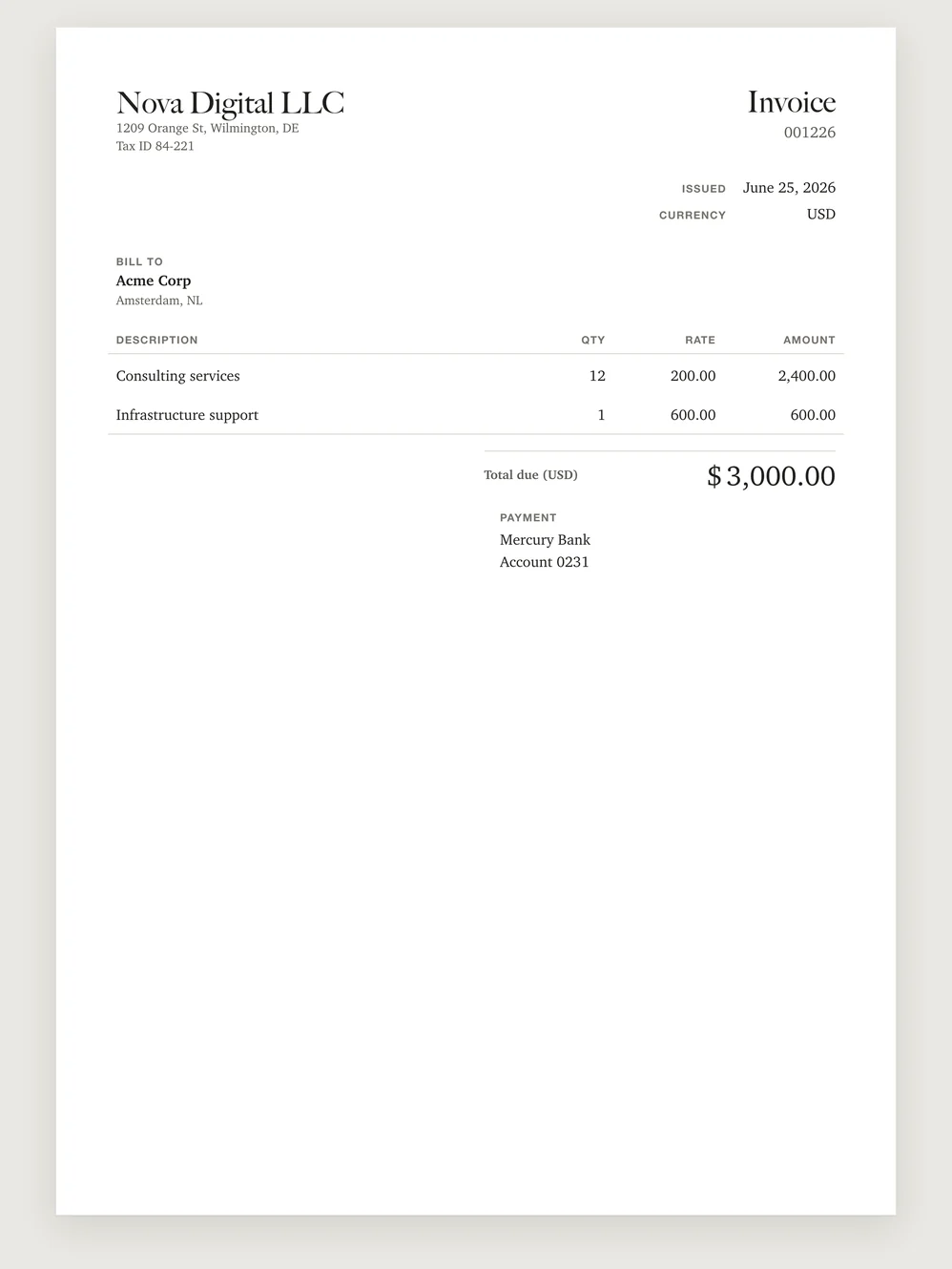
Caslon 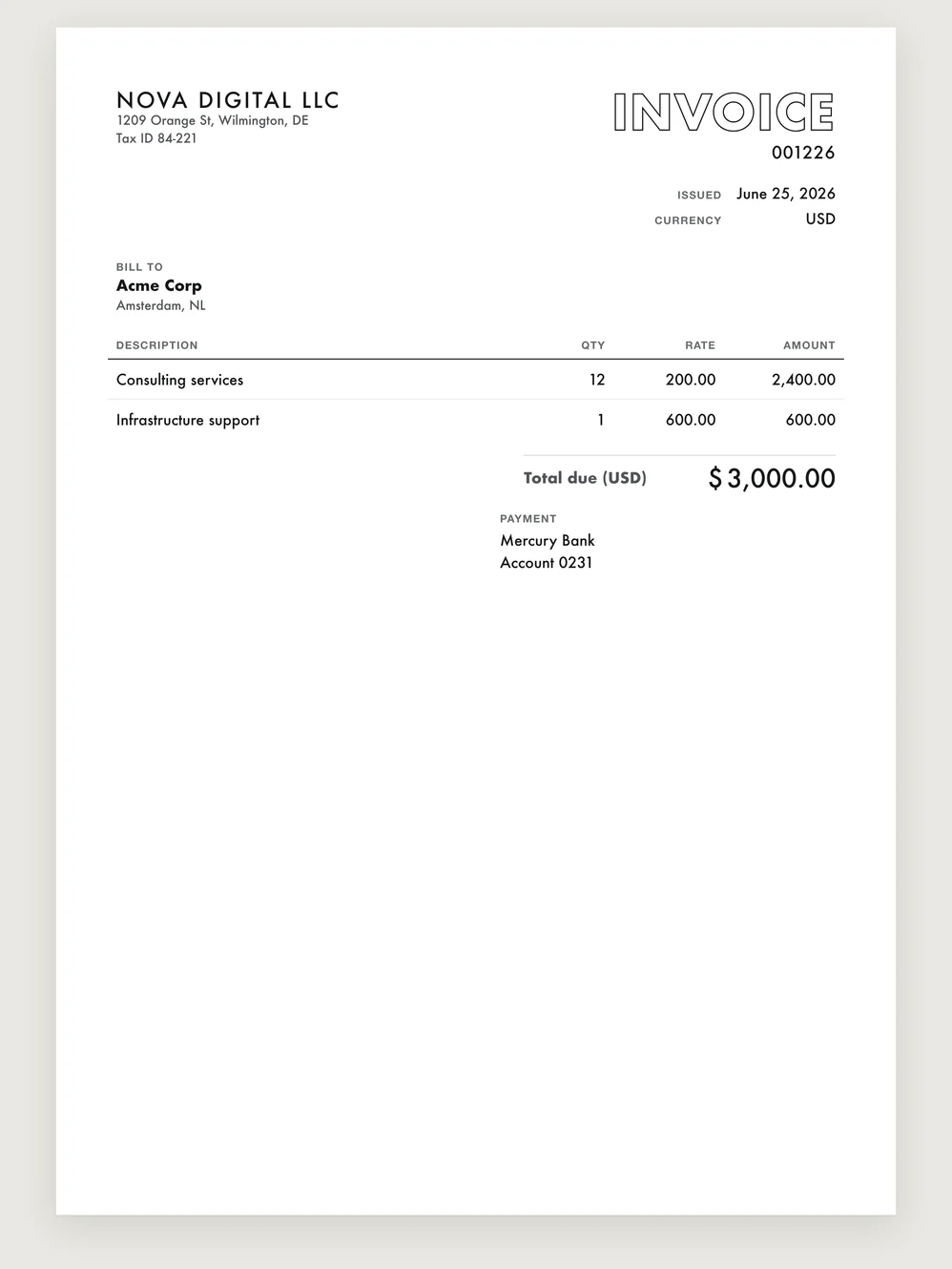
Outline
Oversize 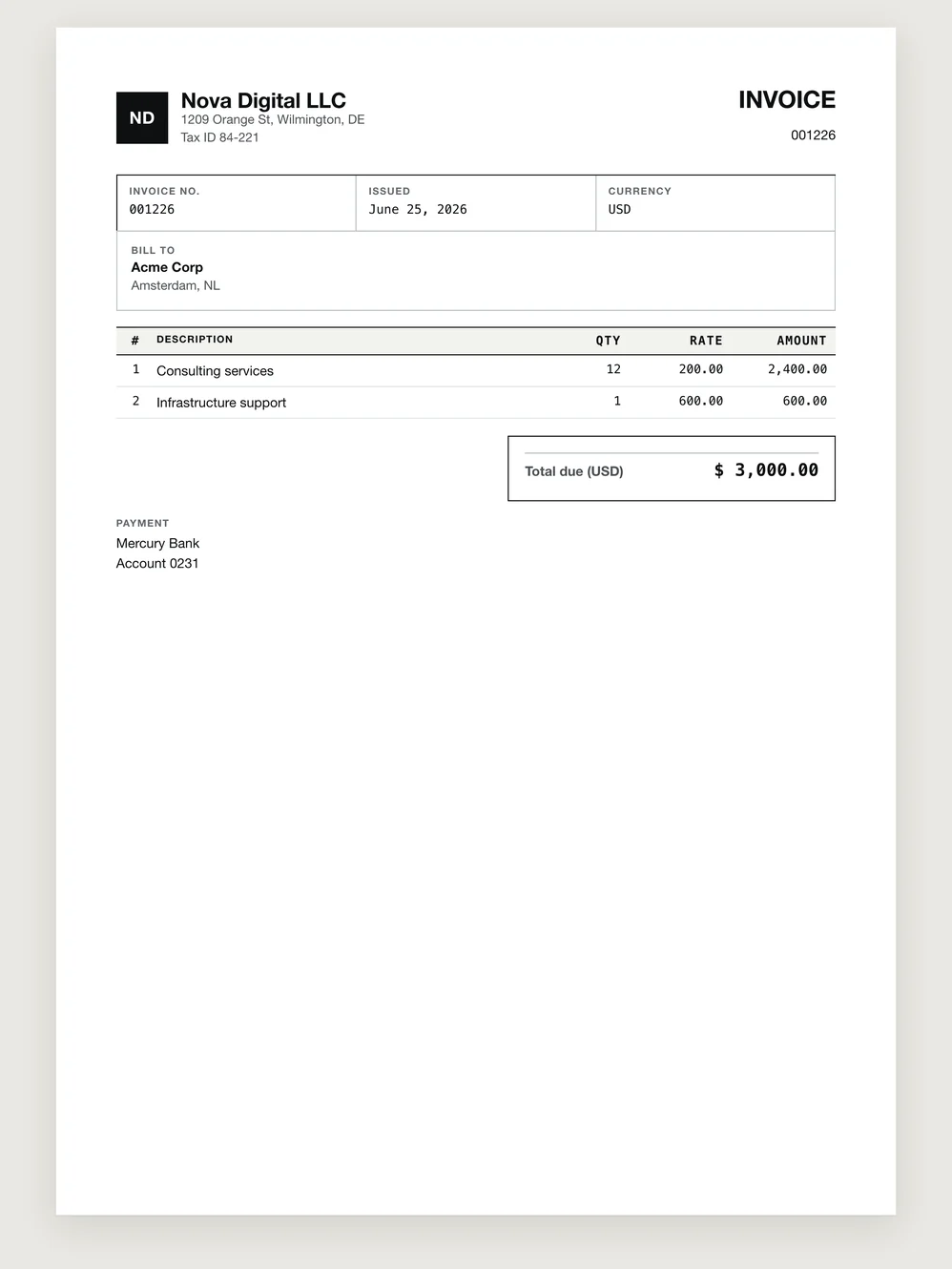
Procurement ledger 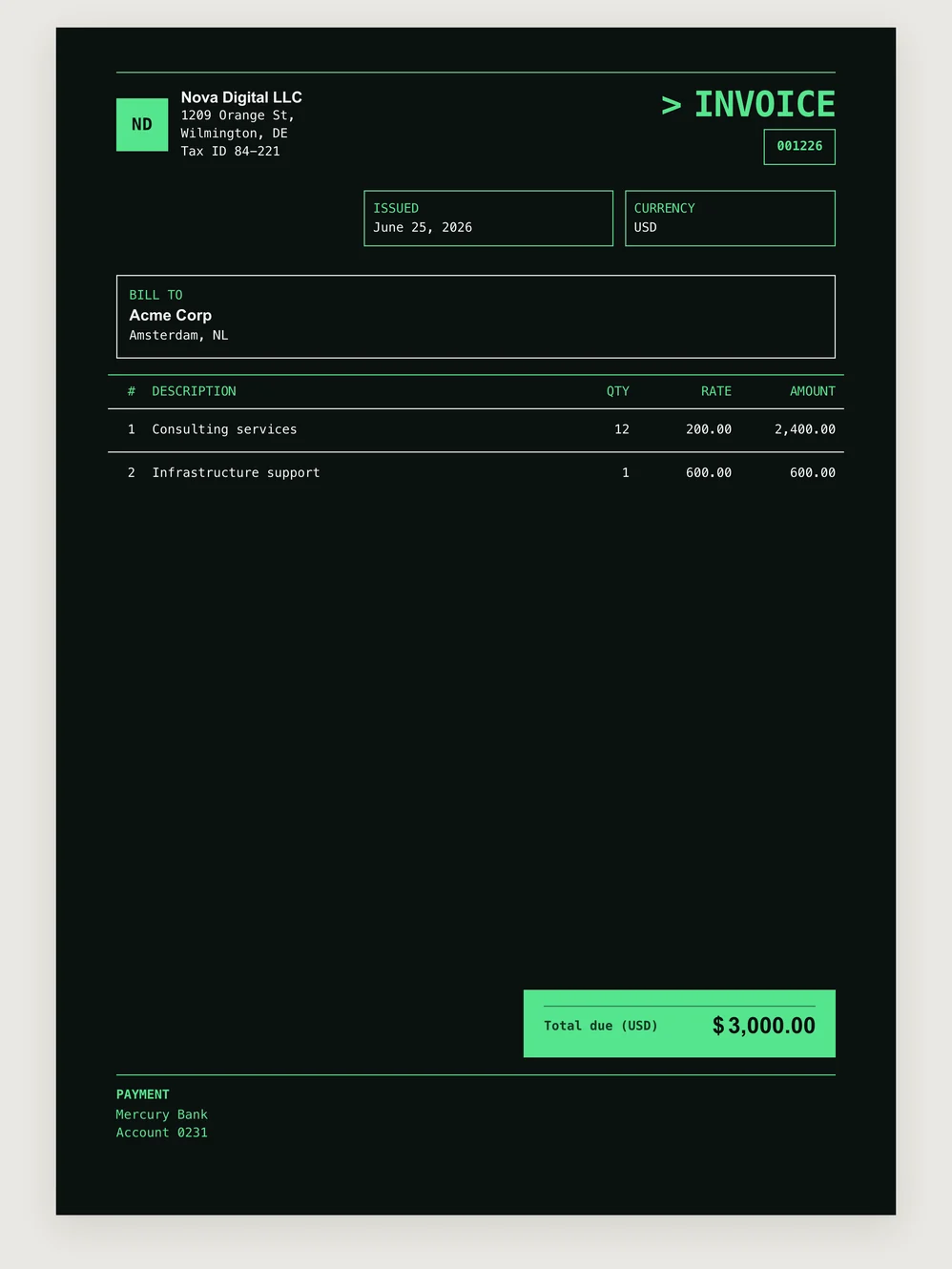
Night terminal 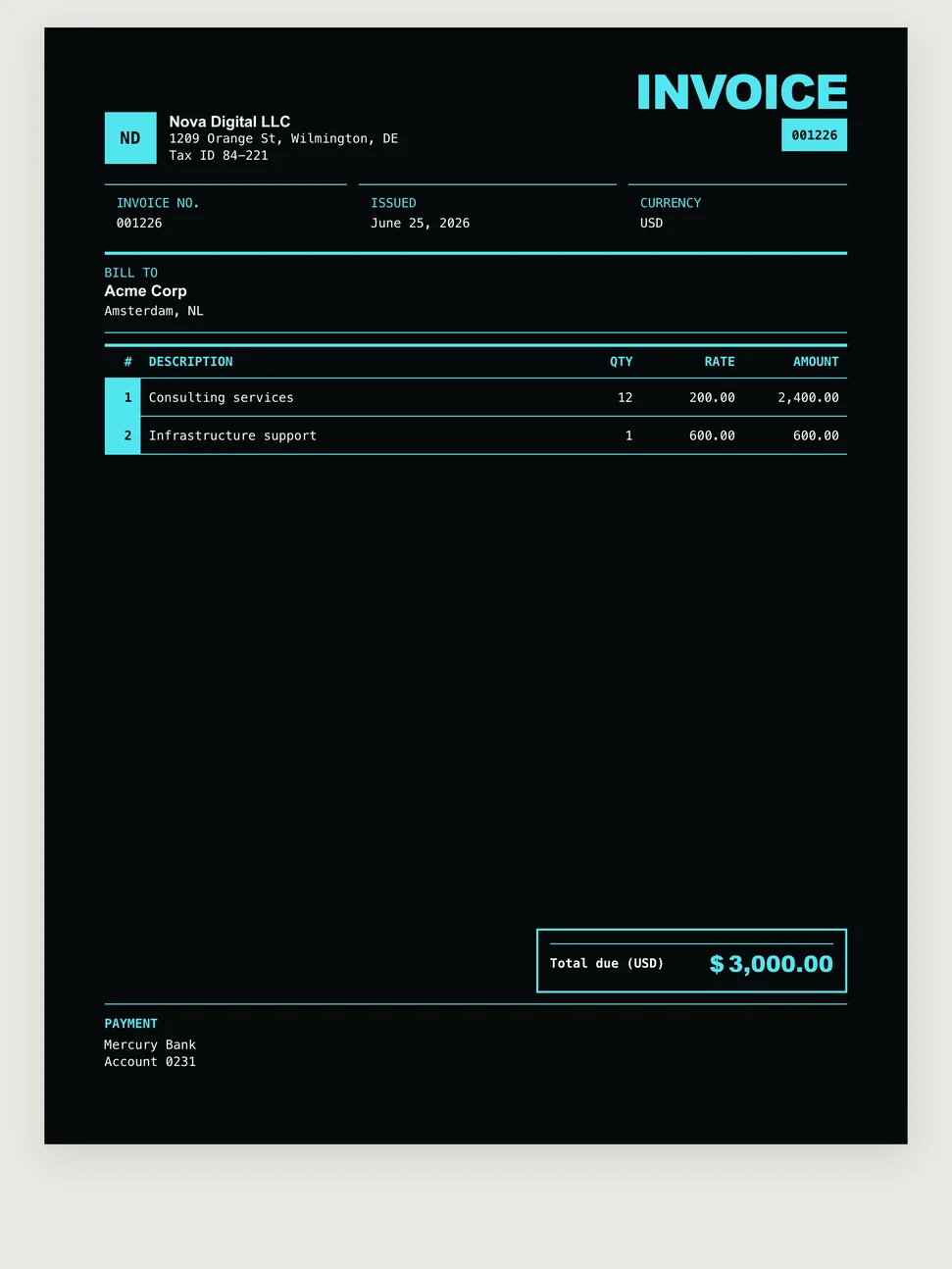
Neon index 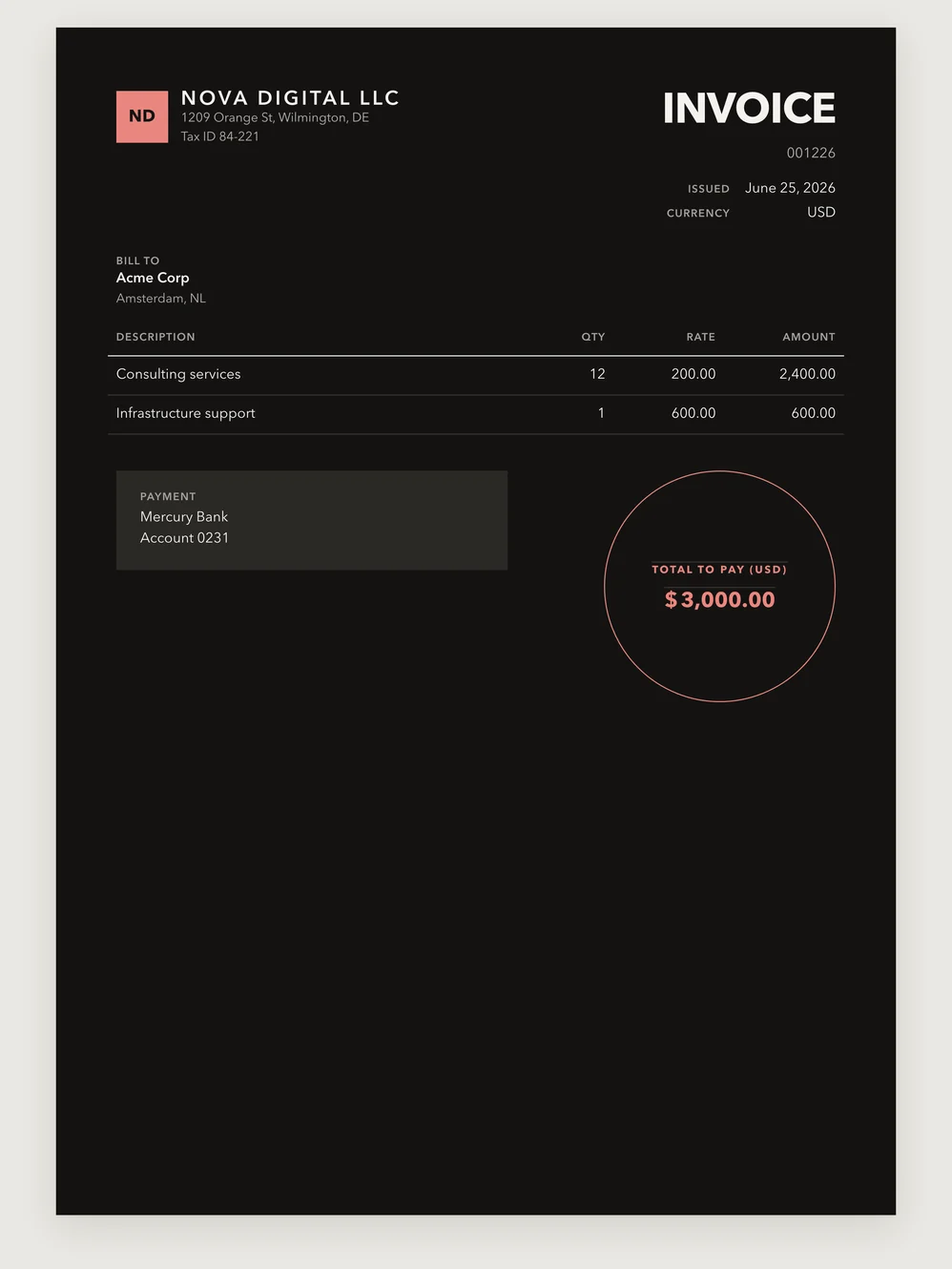
Noir
A selection from the MostlySame collection.
Browse ready-made templates and see your document before you issue it. Add your logo, payment details and notes—the layout is already taken care of.
One group. Different countries and currencies.
One client needs EUR, another GBP, and another has different payment terms. Those differences do not need separate invoicing workflows.
Currencies are configurable and exchange rates update. Your usual organization, client and product settings are ready to use, with exceptions handled in the individual invoice.
Work from different organizations, use English and Spanish documents, and keep the overall picture together in reports.
Bank or crypto. The details are on the invoice.
Bank instructions, USDT/USDC wallet addresses and a wallet QR code sit alongside the amount and the work you billed. No separate message to explain which wallet belongs to which invoice.
Add invoice-specific arrangements in a note. Money goes to your payment details: MostlySame does not receive or hold it.
Easy to try. Easy to take your data with you.
Open the guest demo and try a real workflow: build a batch, edit invoices, review changes and explore reports. Clear the demo data and load it again whenever you want.
Bring your own clients in CSV or JSON. Export account data, download invoice PDF archives and take reports into CSV.
Your data is always yours.
Next: work with invoices from your chat.
Coming soon
- MCP for AI chats. Create invoices and ask for data and reports through your AI assistant—with access you control.
- Match payments. Bank and payment-service connections, plus statement CSV imports, will help update statuses—without moving money through MostlySame.
“Make an invoice for this client.”
Coming soon · MCP
A client sends their details in a chat. Forward them to your AI assistant and ask for an invoice. Through MostlySame, it will be able to find or create the client and service, prepare the document, and show you the result to confirm.
Once issued, the invoice will stay in your account for payment tracking, reports and the next run. Token permissions will control the assistant’s access.
Can I create just one invoice?
Yes. Choose the client and service, review the invoice, issue it and download PDF or HTML. Use repeat invoicing when you need it.
Can I create a batch without a saved run?
Yes. Select the clients with checkboxes when creating a group. MostlySame prepares a separate invoice for each; edit products, line items, prices and currencies in one composer. Review the totals and issue the group. The issued run stays in your history to repeat later.
Can I change the template without retyping the invoice?
For a draft, edit it and choose another template during preparation. For an issued invoice, use Duplicate and choose the new template before issuing the new document.
Can I put payment details and a crypto QR in the PDF?
Yes. Save your usual instructions in the organization’s Payment details and add USDT or USDC wallets in its crypto section. The primary wallet gets a QR code. Use Notes for instructions specific to one invoice.
Can I download my data and invoices?
Yes. Export your account data, download invoice PDF archives and take report data into CSV. You can also download an individual invoice in PDF or HTML.
Can I try MostlySame before setting up my own data?
Yes. Explore the guest workspace with demo data, clear it and load it again whenever you want to try another workflow. Create an account to issue and download your own invoices.
MostlySame, in brief
MostlySame is invoicing software for single invoices and groups of separate client invoices. Select clients or repeat a saved run, edit each invoice and review the batch before issue. PDF and HTML documents, configurable currencies, payment status and reports keep the work together.
Latest update: v0.42.0 · 27 September 2026 · See what’s new
Ask your AI about MostlySame.
One invoice or a whole client group? Ask your usual AI chat how MostlySame fits the way you bill.
 Google AI Mode
Opens your chosen AI service. Or copy the question into any chat.
How can MostlySame help me create PDF/HTML invoices, bill client groups, repeat runs with change previews and track payments? Include pricing. Reply briefly in my language, with sources.

https://mostlysame.com/
https://mostlysame.com/pricing/
https://mostlysame.com/llms.txt
https://mostlysame.com/answers.json
Your next batch starts with the work already done.
Open the demo, build a group and see how MostlySame highlights changes. Or create a single invoice—ready to download in PDF and HTML as soon as you issue it.