

Find the right template for the job.
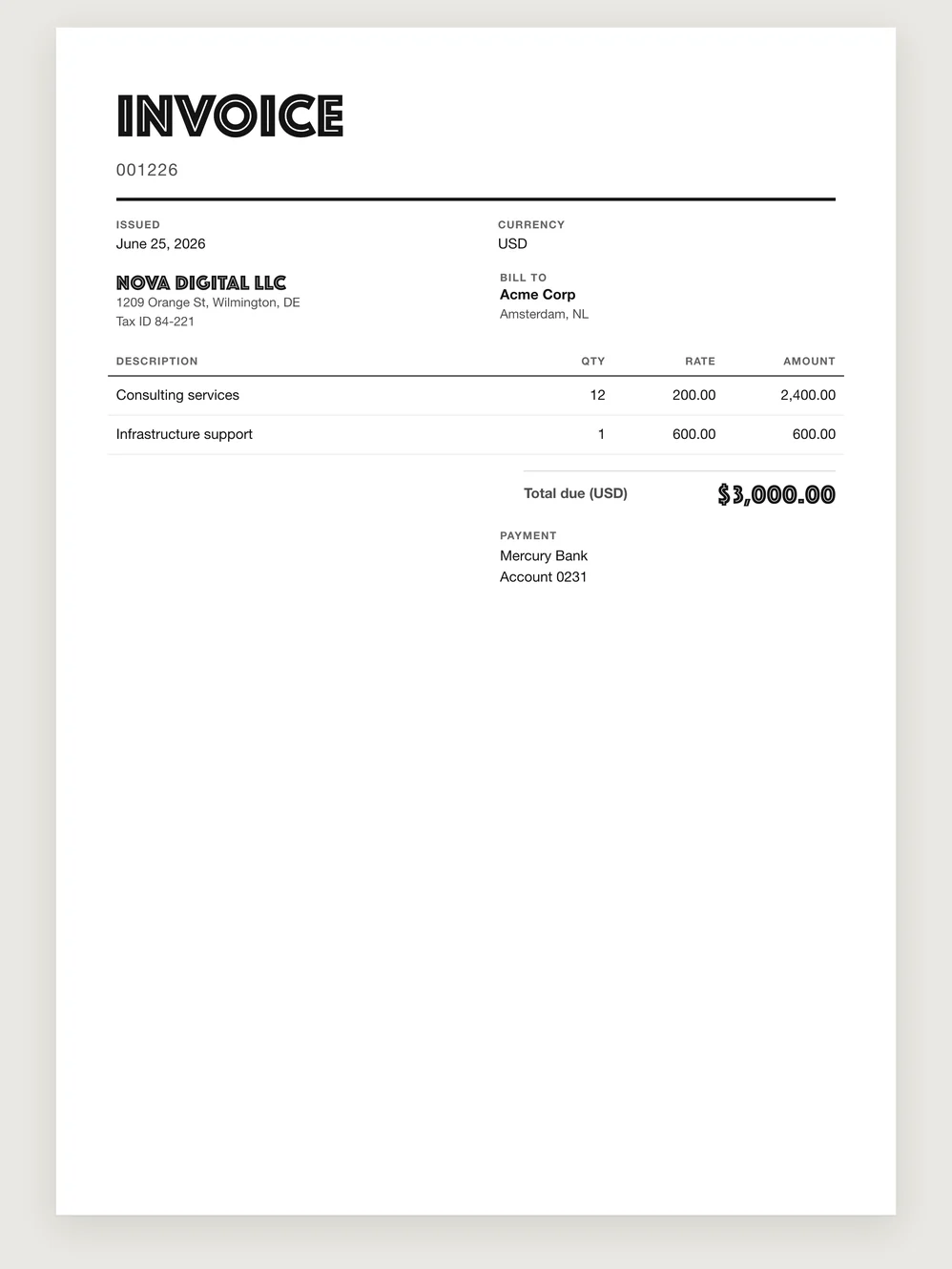
Browse plain, classic, editorial and more expressive designs. Preview the same invoice in different layouts to see how the client details, line items and payment information fit together.
Make it yours.
Add your organization’s logo and use the invoice template that suits your work. Payment details and Notes belong to the document, so you can check the whole invoice in its chosen design before issuing it.
Change a draft’s design as you prepare it.
Open the draft, choose another template and review the result. Your invoice details stay in the preparation flow. For an already-issued invoice, use Duplicate and choose the new template when preparing the new document.
Reuse the setup across your work.
Saved organization and product settings help carry useful choices into later invoices. A repeat run can still use a different template for a particular client. Download the resulting documents in PDF or HTML.
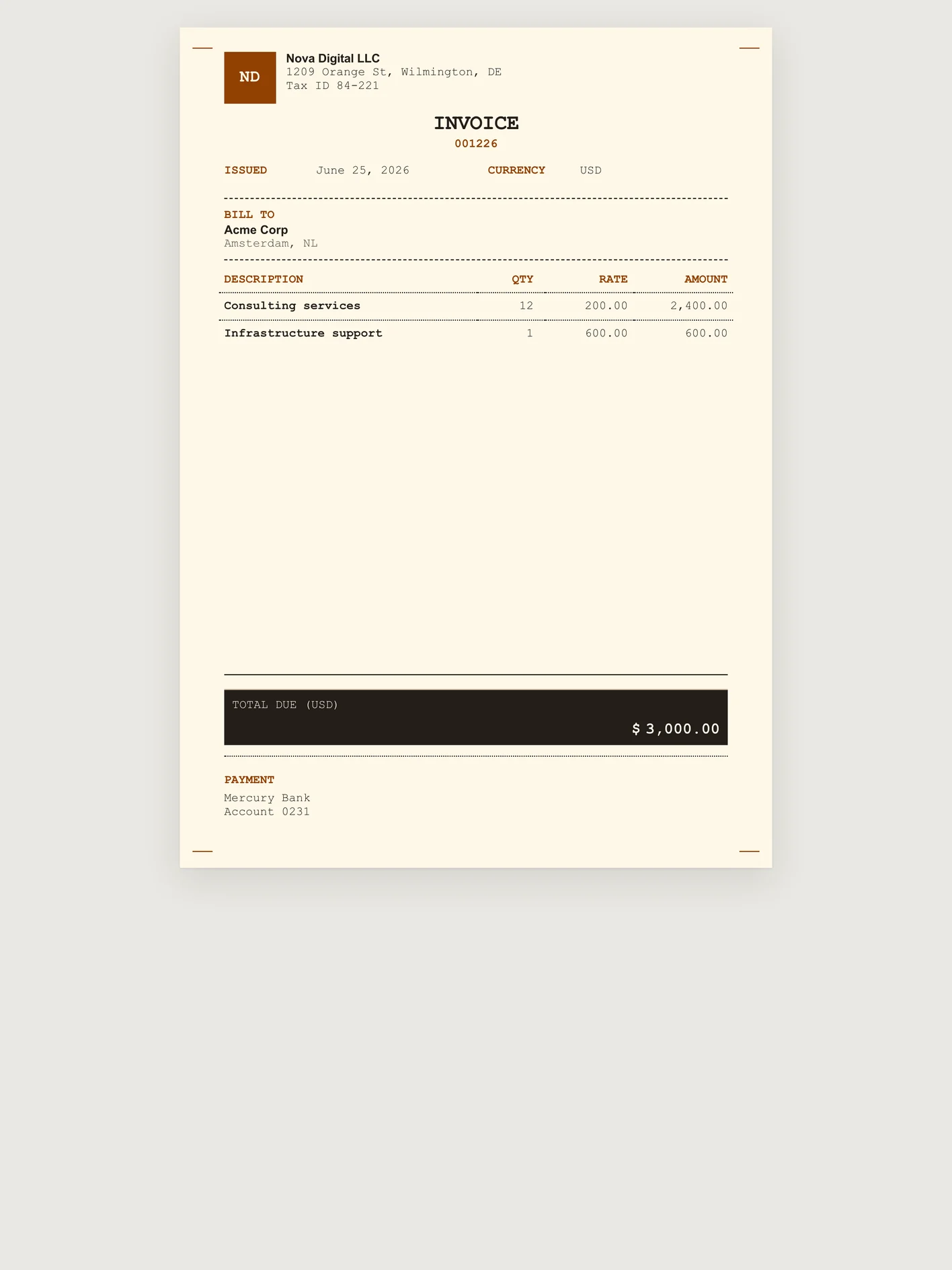
Pixel receipt 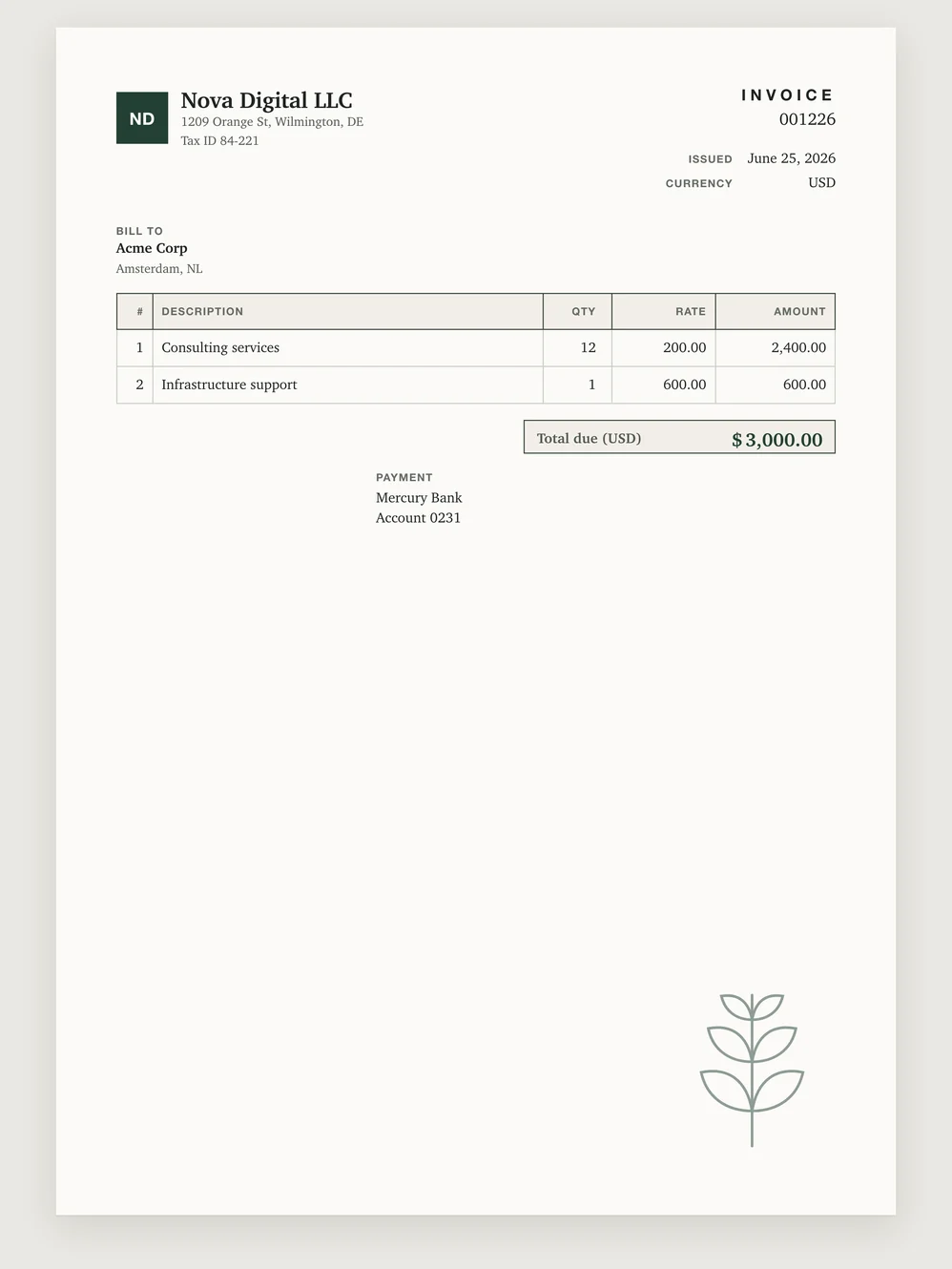
Illustrated 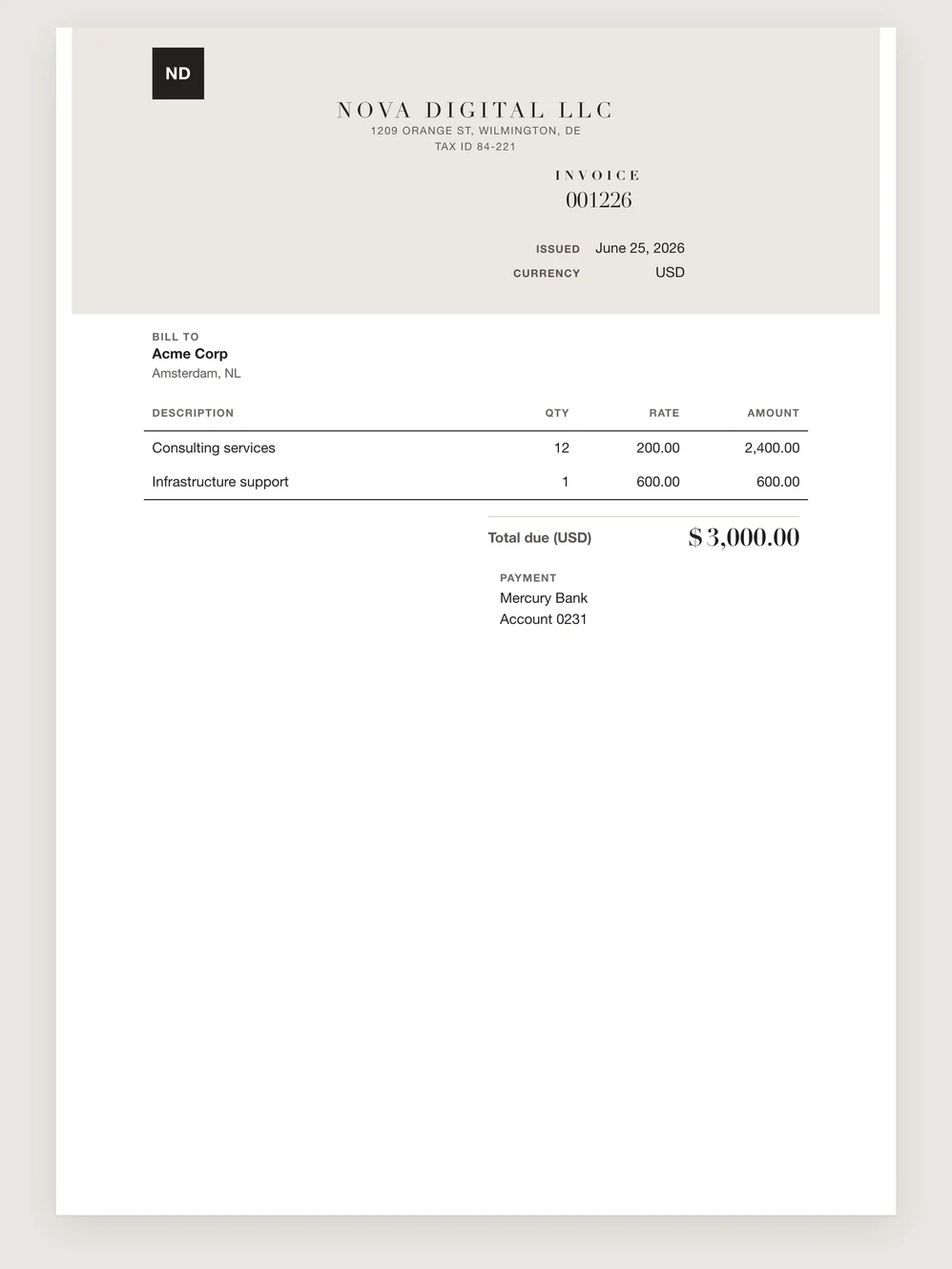
Monogram 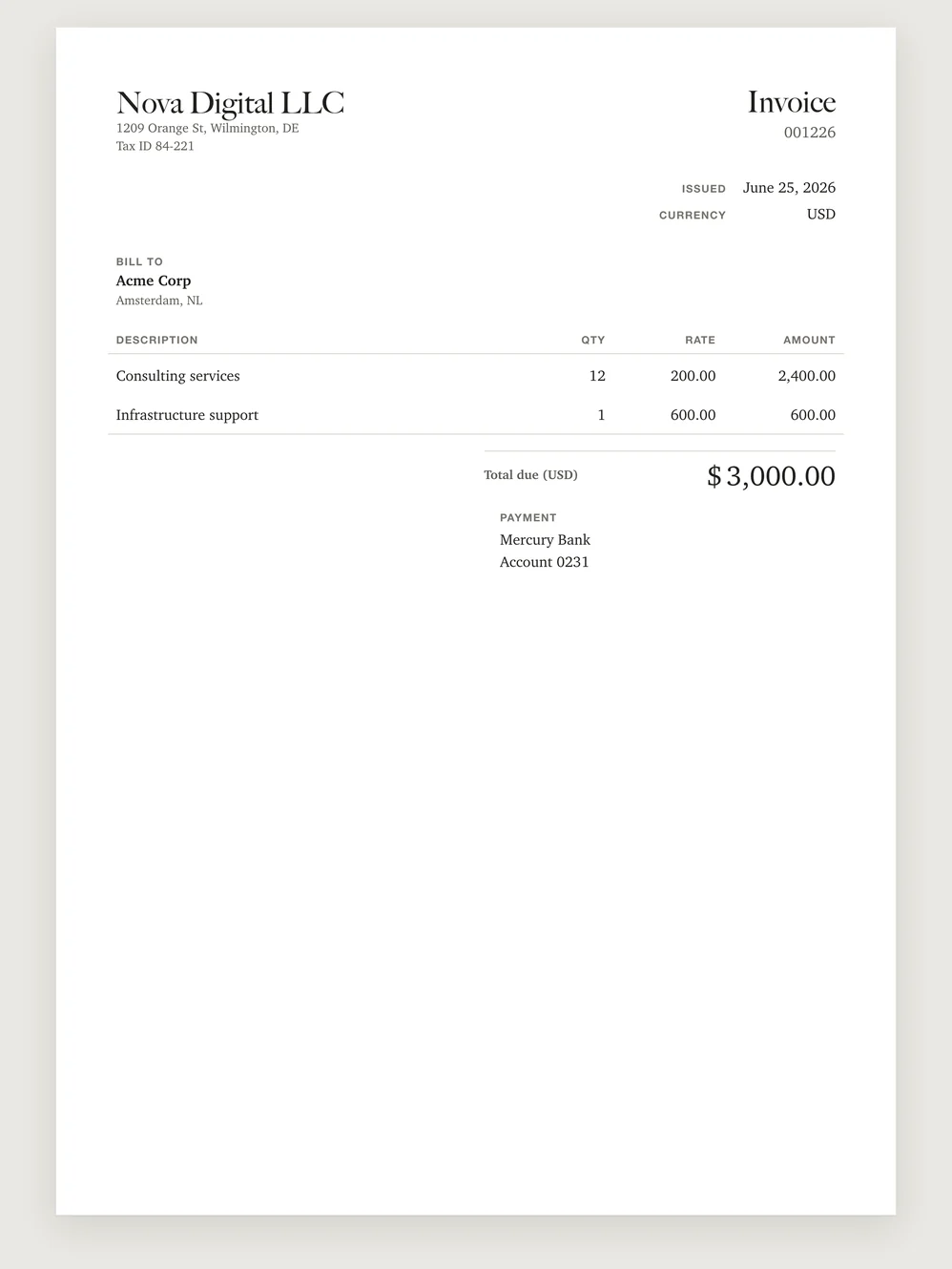
Caslon 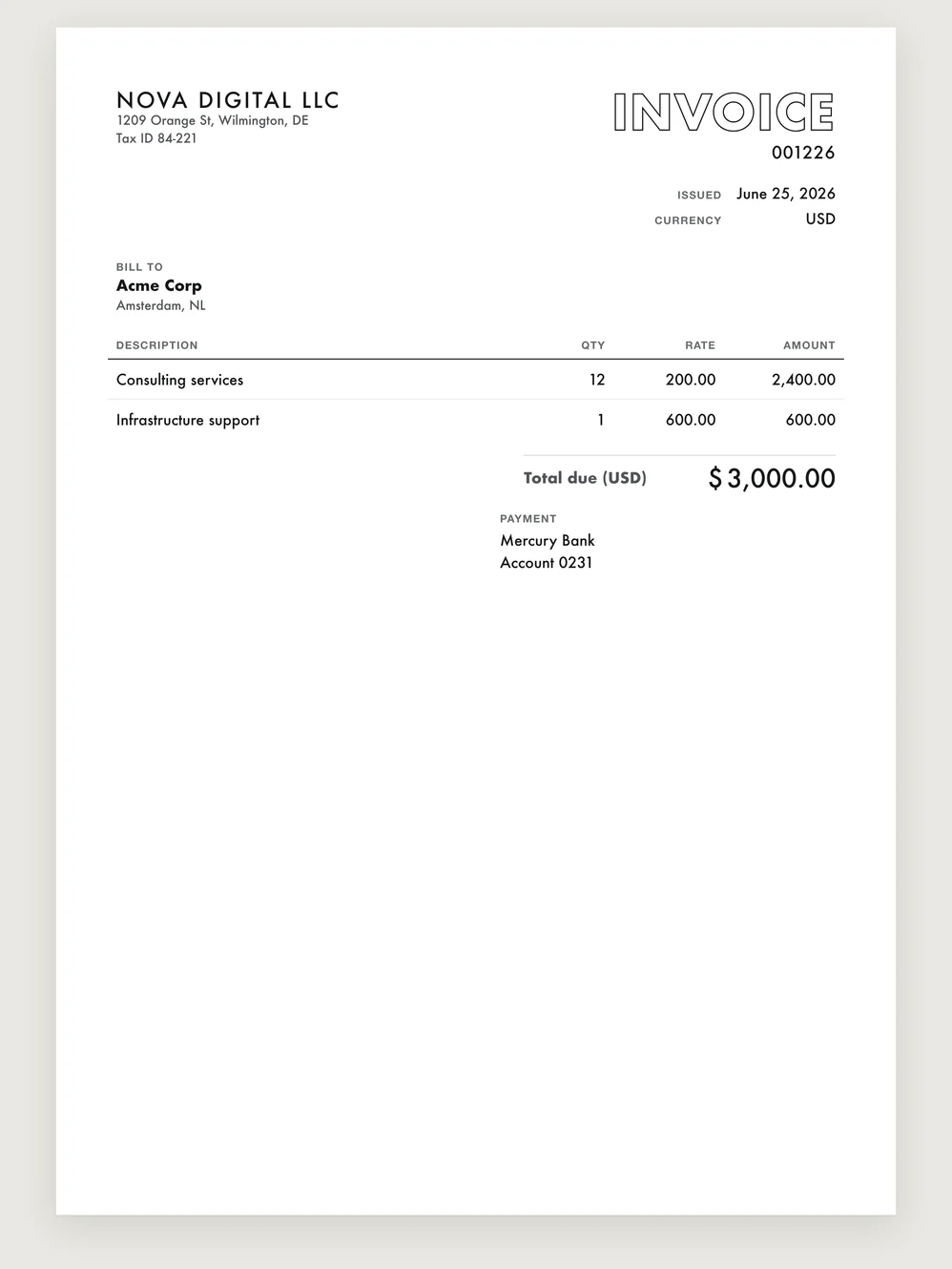
Outline
Oversize 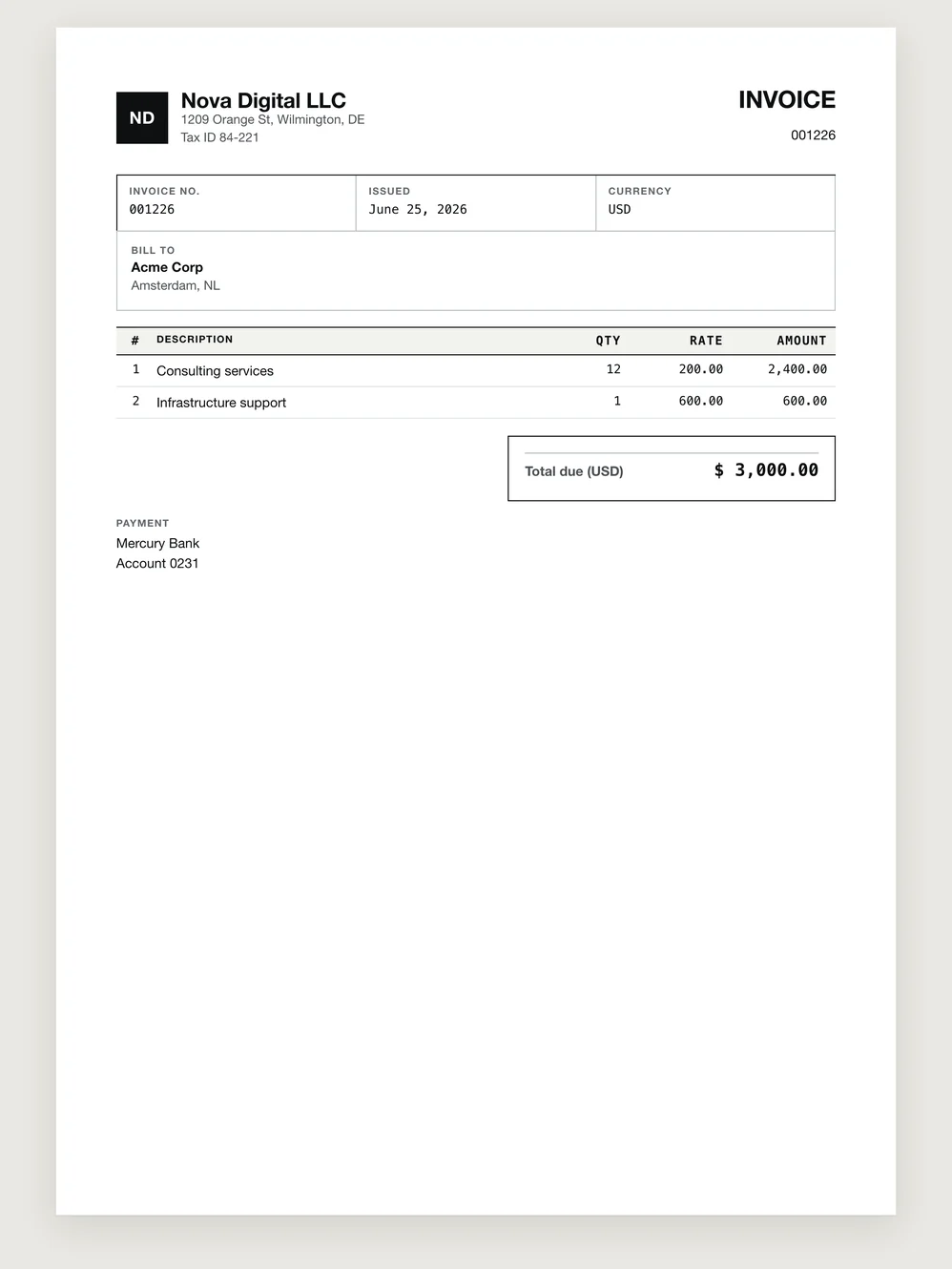
Procurement ledger 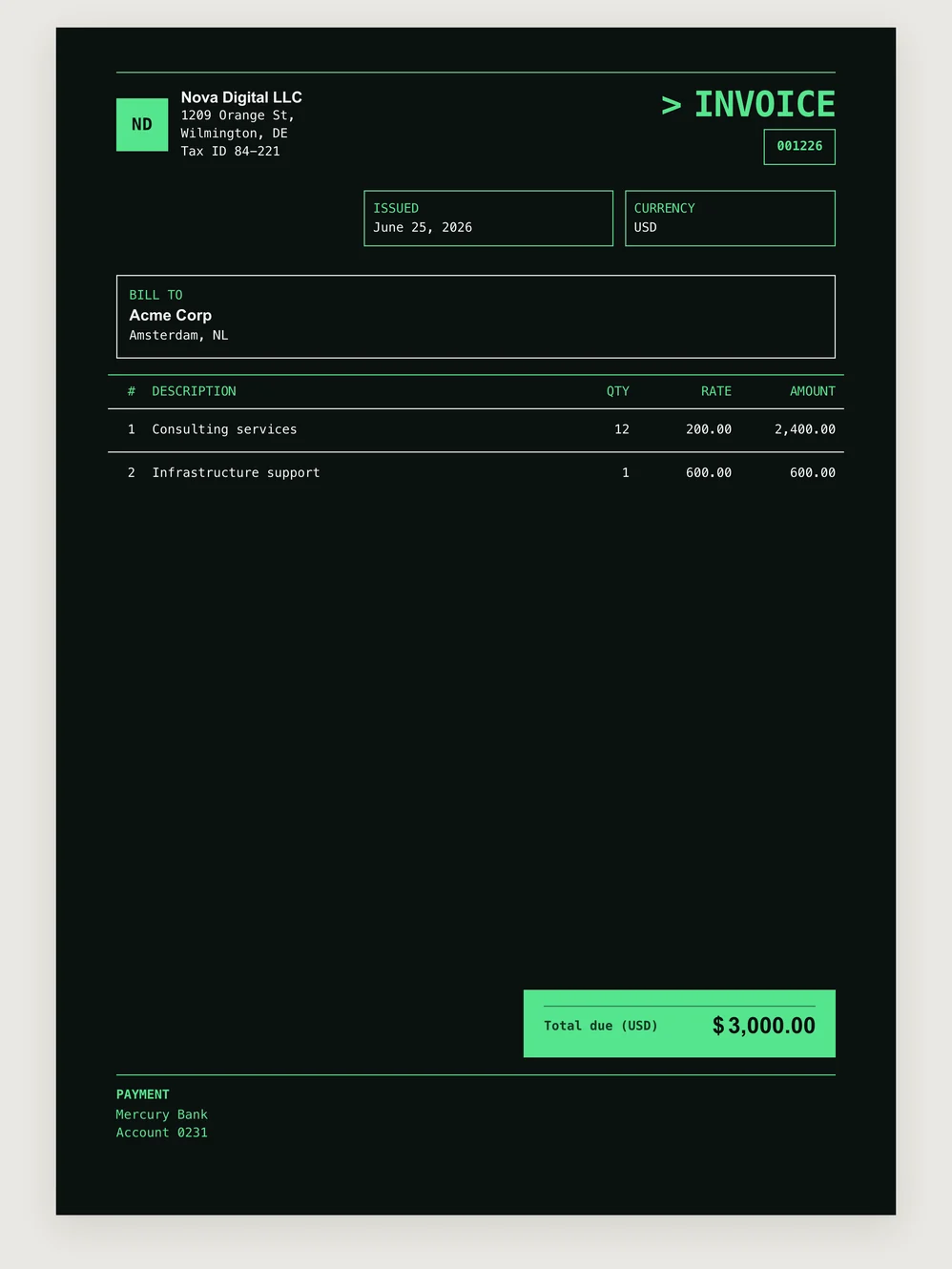
Night terminal 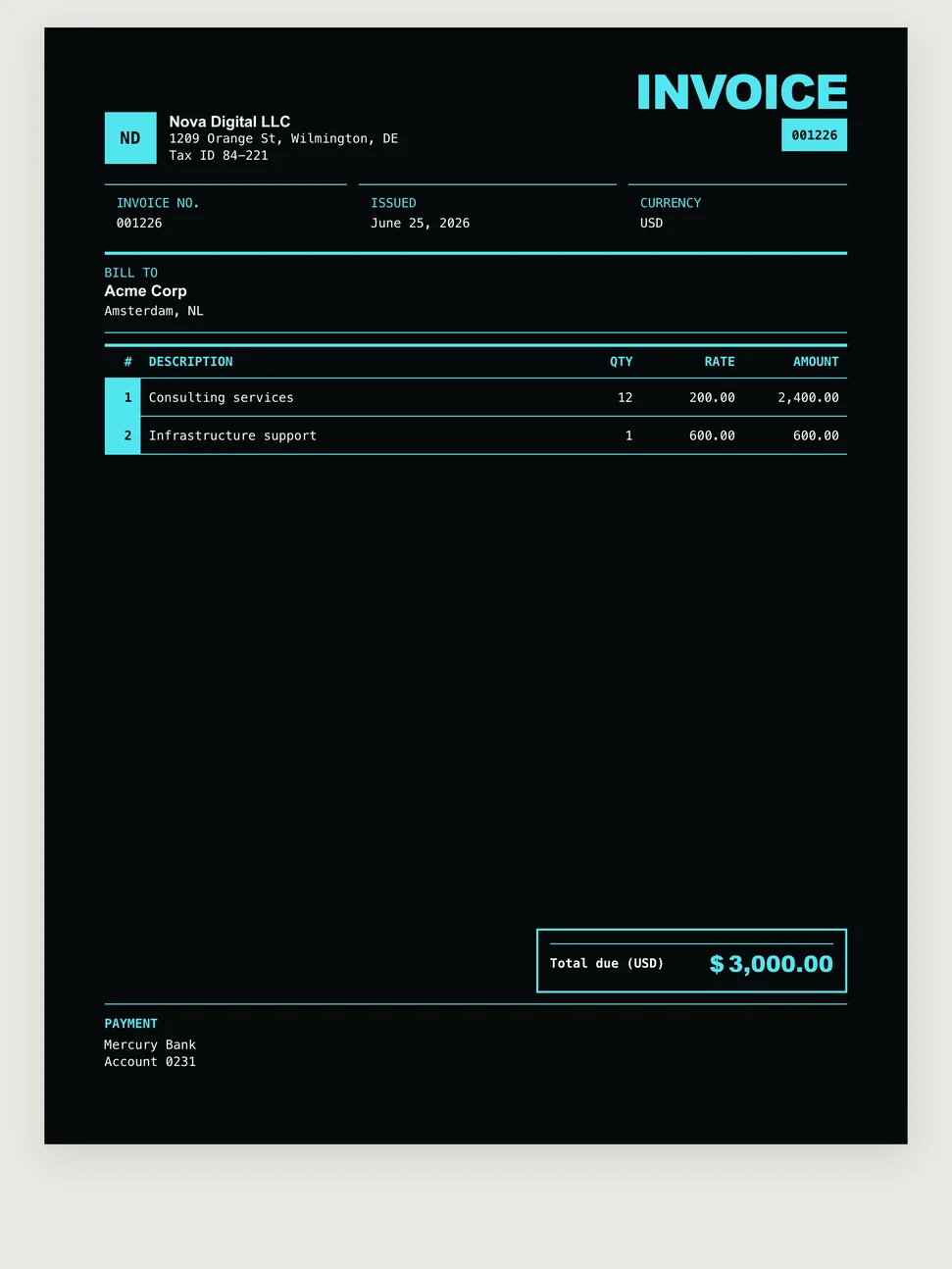
Neon index 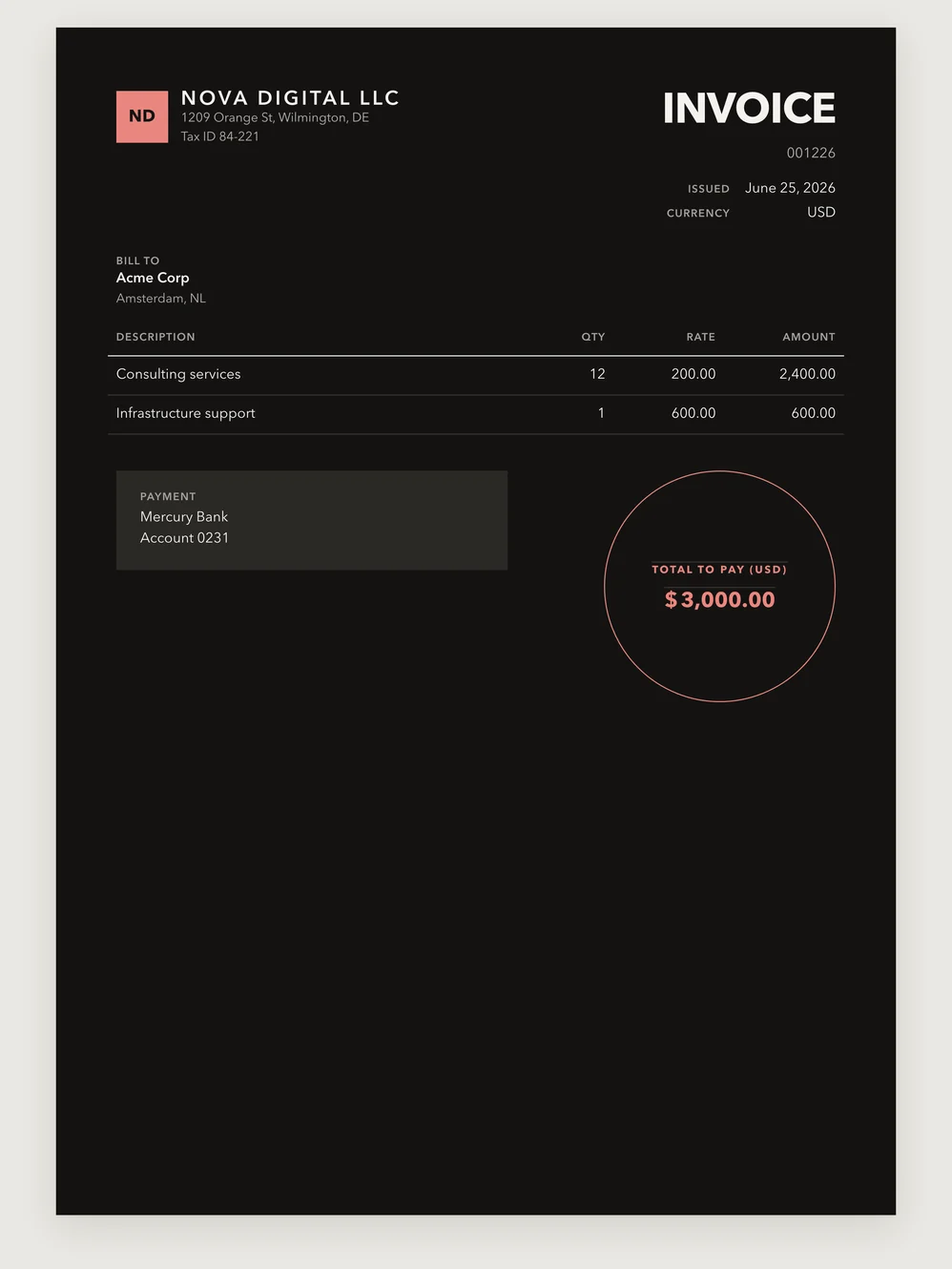
Noir
A selection from the MostlySame collection.